# moto g
-
- 426 comentários
- 391532 visualizações
-
- 25 comentários
- 93887 visualizações
-
- 4 comentários
- 4862 visualizações
-
- 11 comentários
- 10916 visualizações
-
- 6 comentários
- 3686 visualizações
-
- 13 comentários
- 9879 visualizações
-
- 15 comentários
- 37207 visualizações
-
- 2 comentários
- 5963 visualizações
-
- 4 comentários
- 3094 visualizações
-
- 7 comentários
- 10978 visualizações
-
- 21 comentários
- 33697 visualizações
-
- 4 comentários
- 5529 visualizações
-
- 18 comentários
- 79130 visualizações
-
- 2 comentários
- 16752 visualizações
-
- 11 comentários
- 2617 visualizações
-
- 7 comentários
- 5951 visualizações





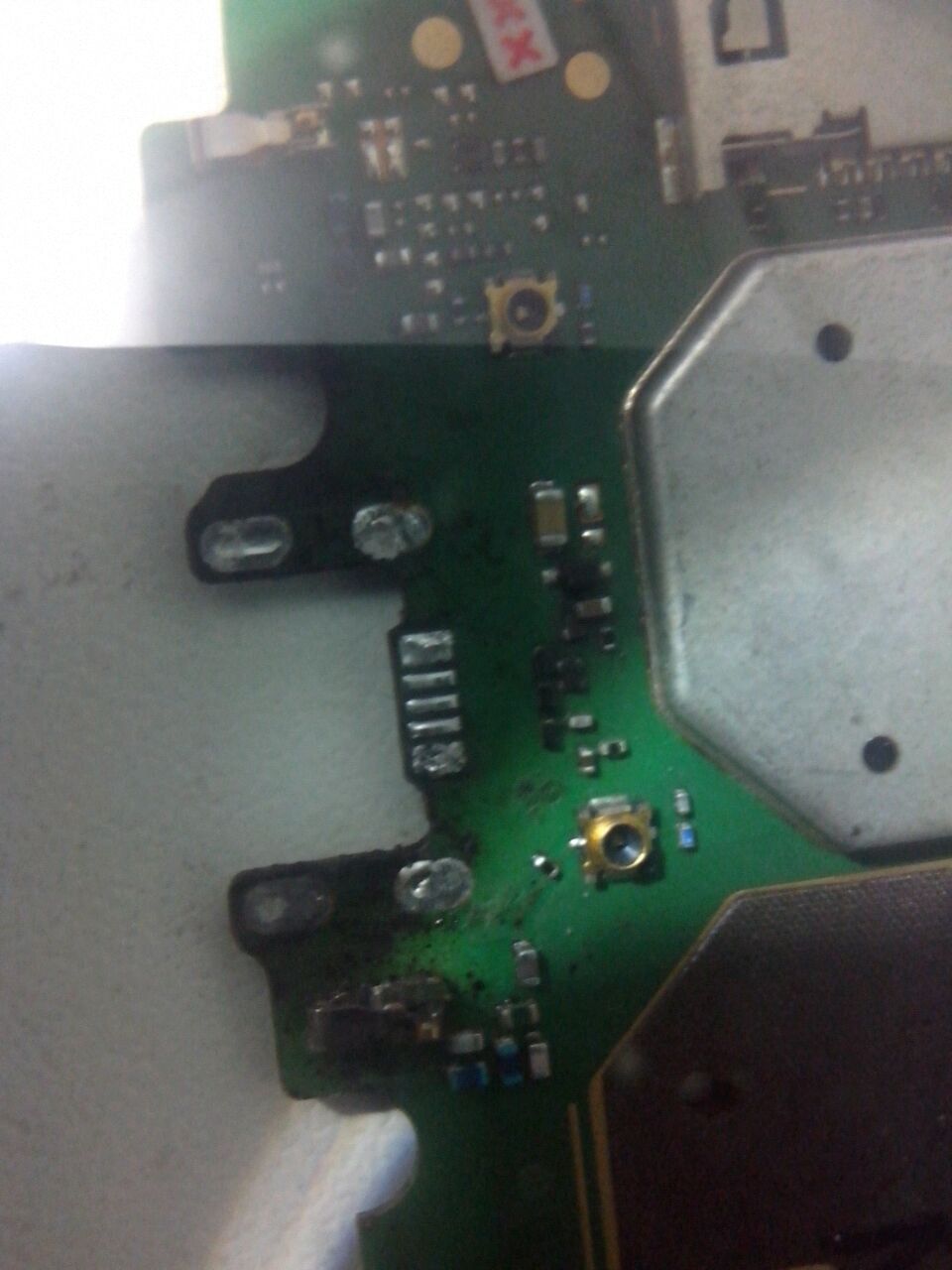



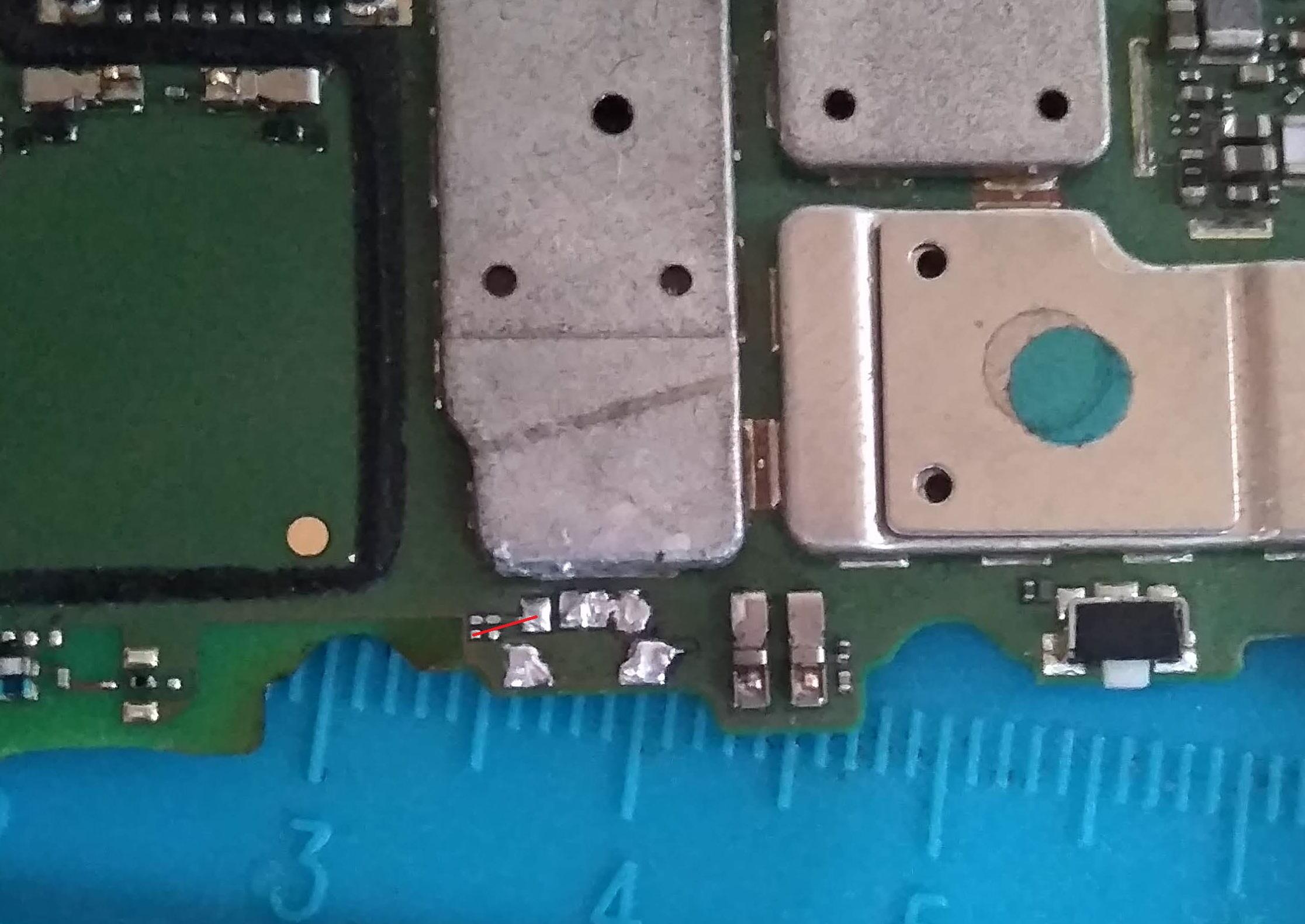

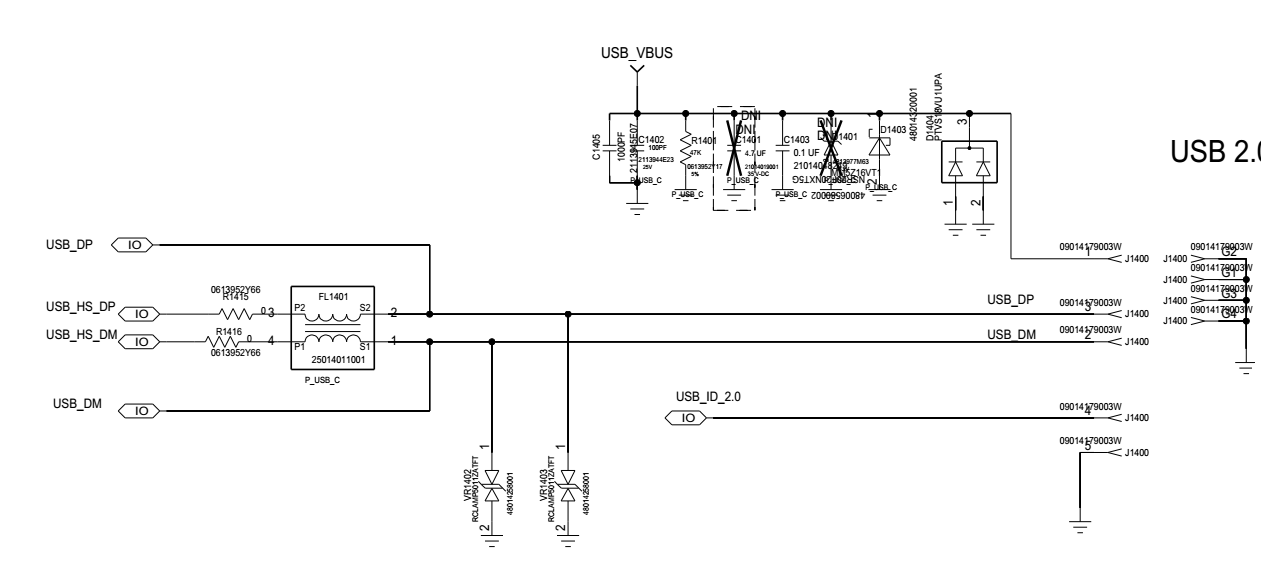







![[SOLUÇÃO] XT1603 Moto G4 Play - Wifi oscilando ou inativo.](https://www.clangsm.com.br/uploads/monthly_2017_07/5963718bad6dd_Semttulo2.png.be3ffa3bab759fe51d0ac7154a418482.png)