#g4
-
- 6 comentários
- 3036 visualizações
-
- 10 comentários
- 9839 visualizações
-
- 12 comentários
- 5099 visualizações
-
- 1 comentário
- 1344 visualizações
-
- 1 comentário
- 1246 visualizações
-
- 4 comentários
- 3215 visualizações
-
- 5 comentários
- 3517 visualizações
-
- 2 comentários
- 2000 visualizações
-
- 3 comentários
- 2944 visualizações
-
- 9 comentários
- 8508 visualizações
-
- 9 comentários
- 5423 visualizações
-
-
- 14 comentários
- 3508 visualizações
-
- 4 comentários
- 1289 visualizações
-
- 3 comentários
- 2647 visualizações
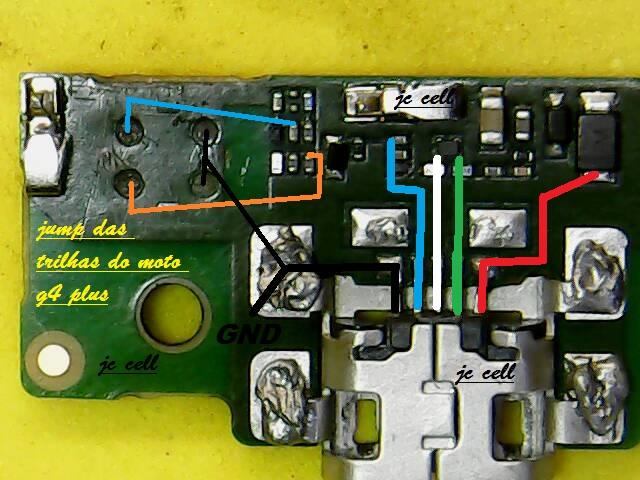

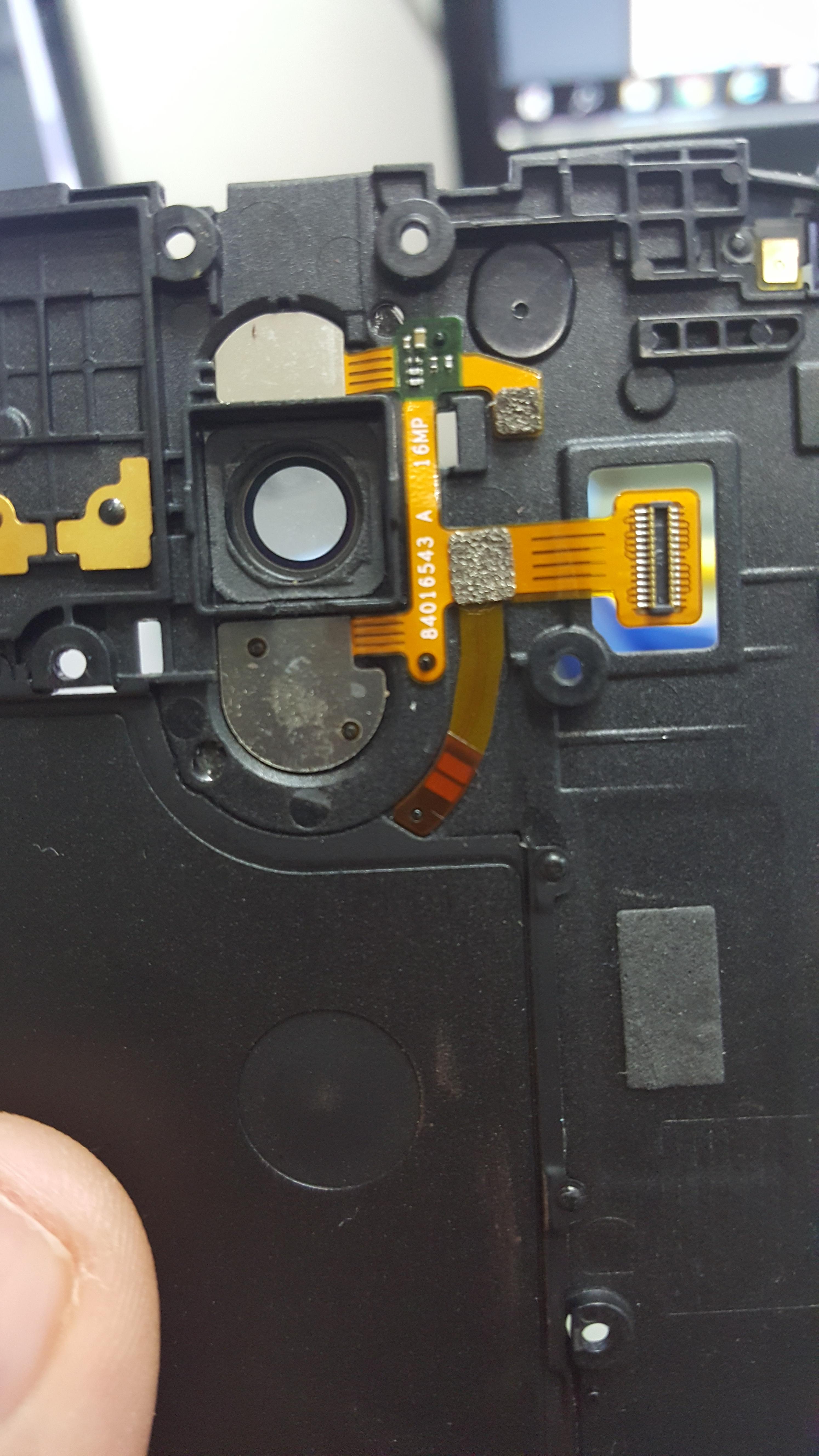

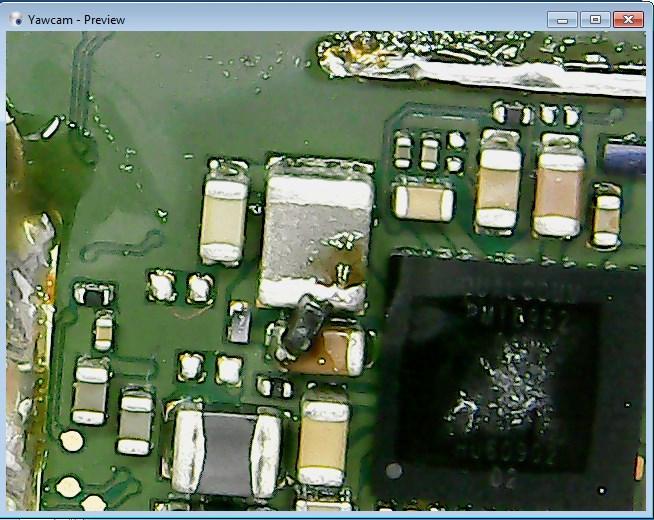





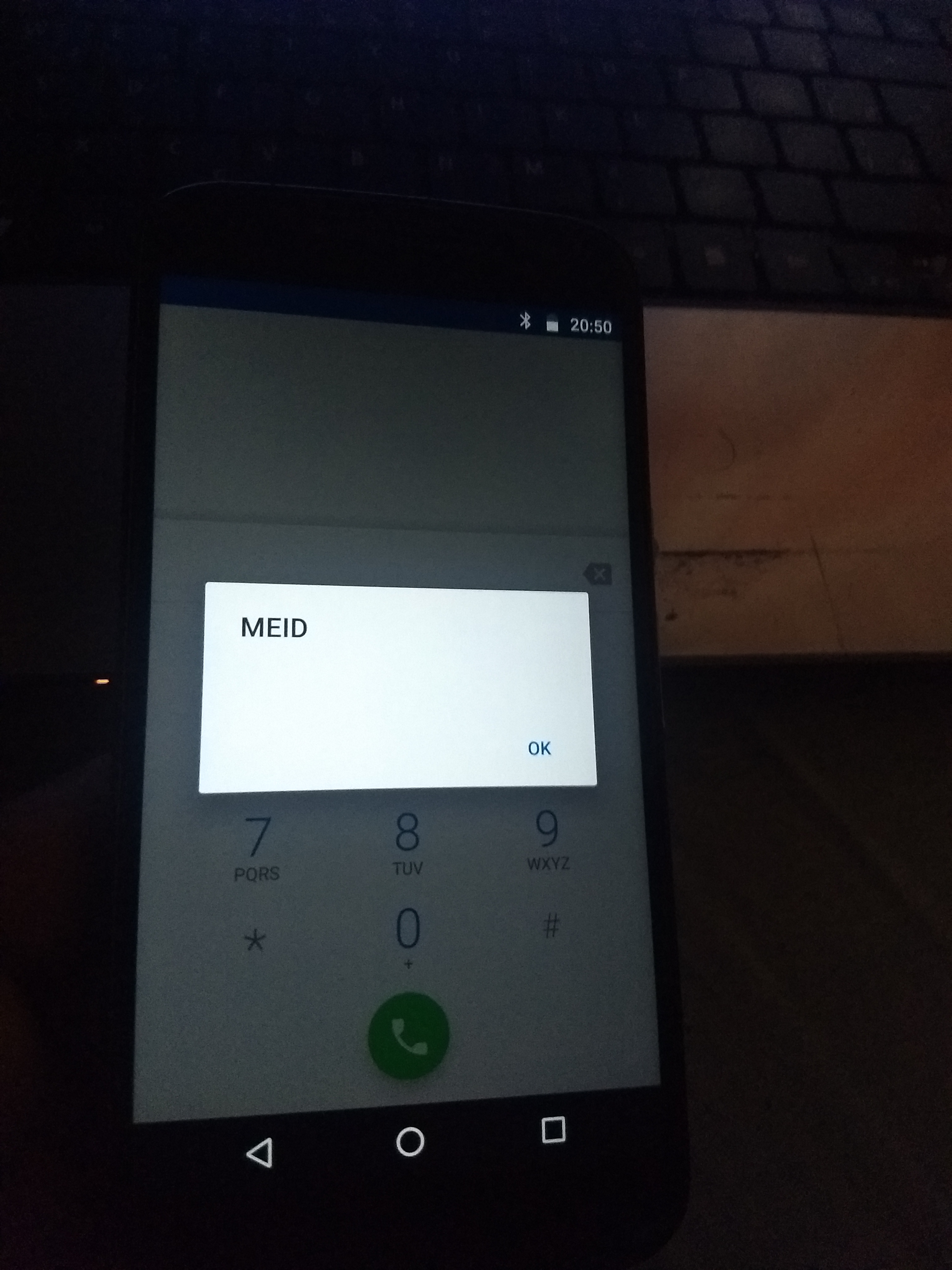



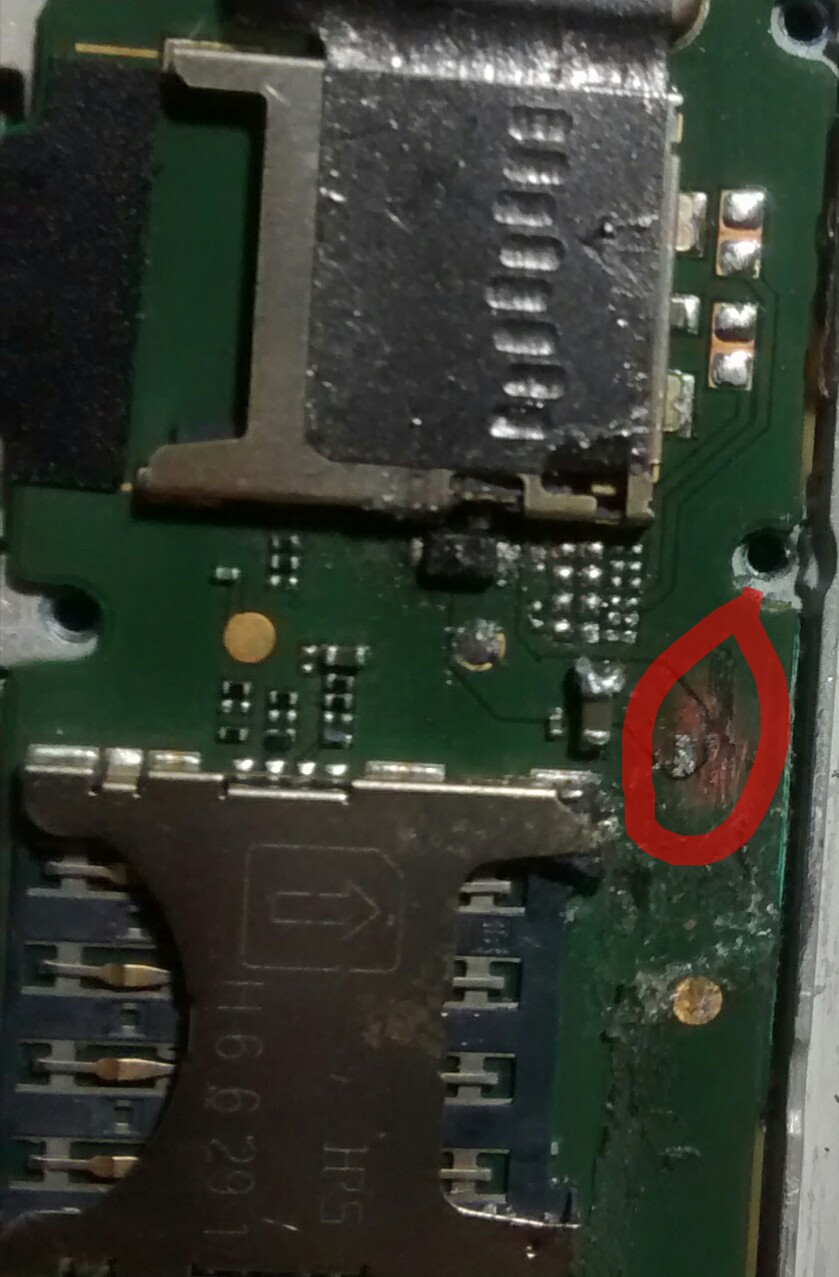

![[Resolvido] XT1640 Não carrega e não liga](https://www.clangsm.com.br/uploads/monthly_2017_10/image.png.39c07248795a969158f209c6ef40fbd5.png)


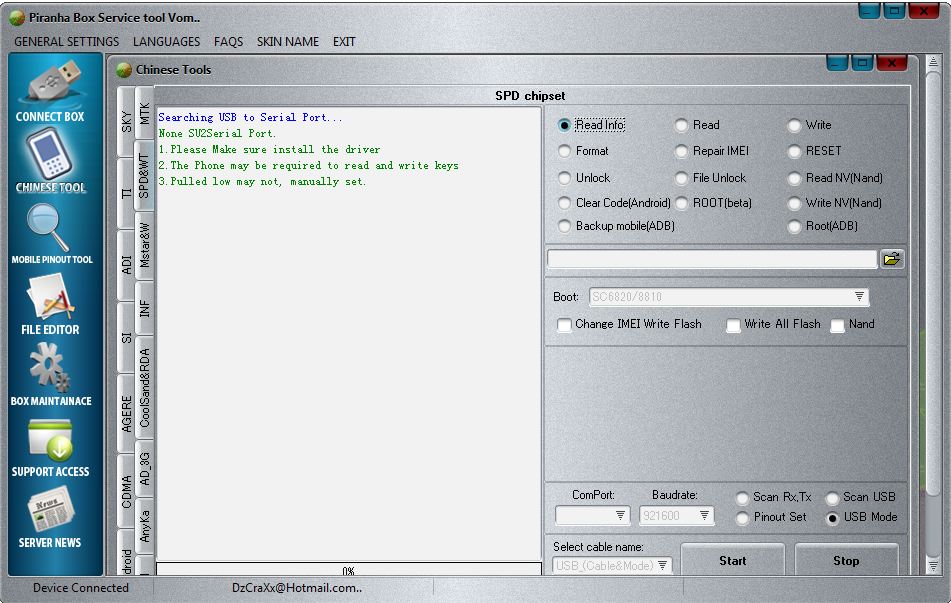
.jpeg.1b2c0ca483119a91eb45eece8913288e.jpeg)